


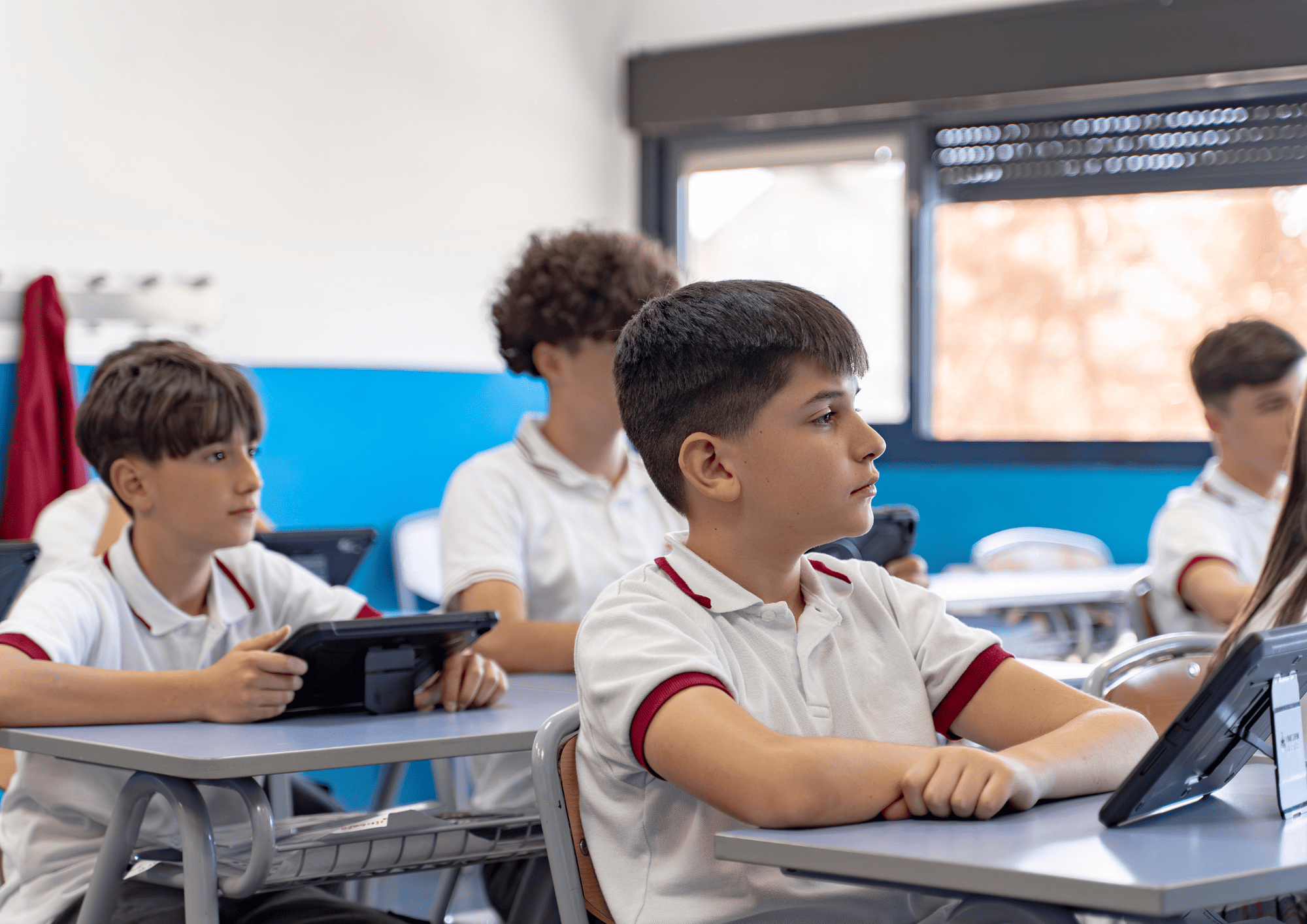
Choosing and implementing inclusive educational apps in primary school is one of the most important decisions a school leadership team or teacher can make. Devices such as tablets offer enormous potential to personalise learning, respond to the diversity of the classroom and track each pupil’s real progress.
In this guide you will find everything you need to know to implement educational apps in your school: from selection criteria to impact evaluation, including the keys to making sure no pupil is left behind.
The goal is clear: for your school to make the most of educational technology, creating a learning environment where every child finds their own pace and develops their full potential.
Quick answer: to implement inclusive educational apps in primary school, a school should follow five steps: assess its resources and pupils’ needs, choose a platform that is customisable, accessible and GDPR-compliant, train teachers, roll it out gradually starting with a pilot group, and evaluate the impact with data. The reference framework is Universal Design for Learning (UDL).
Key ideas: how to implement inclusive educational apps in primary school
- Inclusive educational apps must adapt to different learning paces and special educational needs.
- Progress tracking makes it possible to detect difficulties early and adjust activities for each pupil.
- Smile and Learn makes real inclusion in the classroom possible with thousands of customisable, accessible activities.
- Teacher training is essential to get the most out of any digital learning platform.
- Evaluating the impact of apps with objective data leads to better pedagogical decisions.
What are inclusive educational apps?
Inclusive educational apps are digital tools designed to respond to the diversity of the student body. Unlike conventional apps, these platforms include specific features that allow content to be adapted to each student’s needs.
An app is inclusive when it offers multiple ways to access information, interact with activities and demonstrate learning. This includes accessibility options such as subtitles, audiobooks, contrast controls or special typefaces for pupils with dyslexia.
Universal Design for Learning (UDL) is the reference framework that guides the development of these tools. This approach starts from the idea that diversity is the norm, not the exception, and that learning environments must be flexible from the outset.
Why use tablets in primary school for inclusive education?
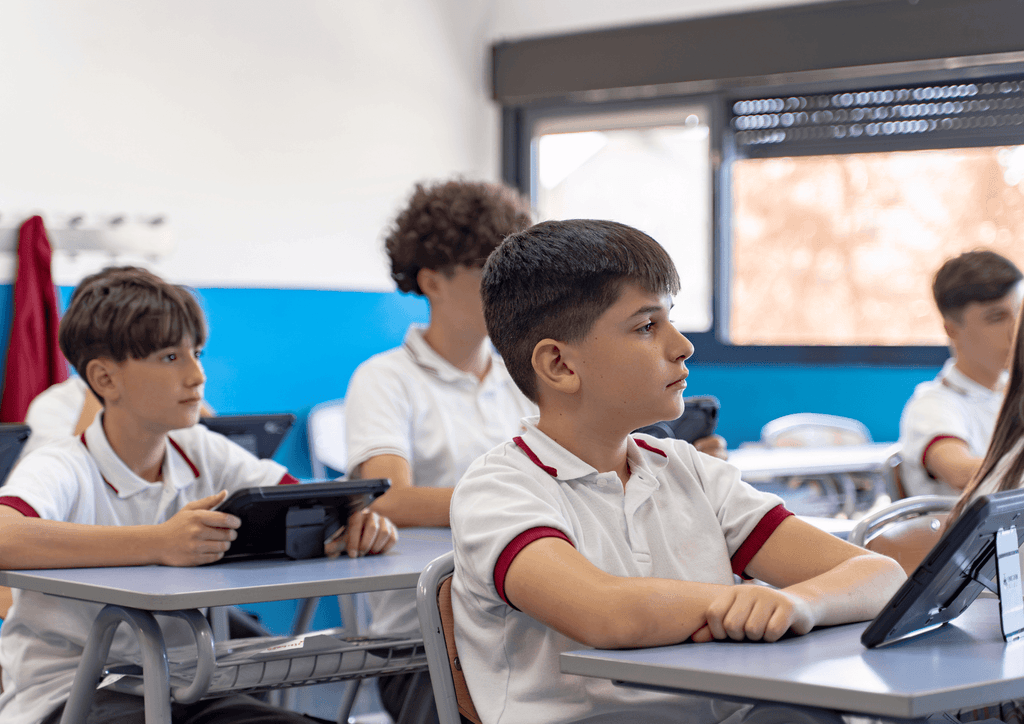
Tablets have become the preferred device in many primary schools for several practical reasons. Their touchscreen makes interaction easier for children with different levels of fine motor skills. They are also lightweight, portable and can be used both in the classroom and outdoors.
For pupils who need educational support, tablets offer concrete advantages. They make it possible to enlarge text, use screen readers, record answers as audio, or use eye-tracking apps for those with severe motor difficulties.
Another advantage is motivation. Children associate these devices with play and entertainment, which lowers initial resistance to learning and increases attention span on tasks.
What is the difference between a tablet and a computer in the classroom?
The main difference is immediacy. A tablet is ready to use in seconds, while a computer needs to be switched on, logged into and navigated. In primary school, every minute counts.
Tablets are also more intuitive thanks to direct interaction with the screen. Pupils who have not yet mastered the mouse or keyboard can drag, tap and draw without intermediaries.
Criteria for choosing inclusive educational apps in primary school
Not every app labelled “educational” meets inclusion standards. Before implementing any tool in your school, it is important to assess several aspects.
Content personalisation
A good educational app lets you adjust the difficulty level, language, typeface and type of feedback. This flexibility is essential for supporting pupils with different abilities in the same classroom.
The most advanced platforms, such as Smile and Learn, include personalisation systems that automatically adapt activities to each pupil’s performance. This way, every child works within their zone of proximal development, without frustration or boredom.
Advanced accessibility
Look for apps compatible with assistive technologies such as screen readers, eye tracking or external switches. It is also useful if they include high-contrast options, video subtitles and the possibility of using real photographs instead of illustrations for pupils with autism spectrum disorder (ASD).
Progress tracking
Individual tracking is one of the most valuable features of digital learning platforms. Usage data allows teachers to identify which pupils are progressing, which need reinforcement and in which specific areas to intervene.
A good analytics system shows clear, actionable information: time spent on each activity, percentage of correct answers, progress throughout the school year and comparisons with curriculum objectives.
Curriculum-aligned content
Activities must cover the competencies and content of the official curriculum. This makes it easier to integrate the app into the teaching plan and to use progress data as assessment evidence.
Security and privacy
Any app used with minors must comply with the data protection regulations that apply in your territory, such as the GDPR in Europe or COPPA in the United States. Check that the developer does not collect unnecessary data or include advertising.
Steps to implement educational apps in your school
Implementing educational technology requires planning. A well-designed project increases the chances of success and avoids common mistakes such as teacher resistance or underuse of devices.
Step 1: Initial assessment
Before choosing any tool, analyse your school’s starting point. How many devices are available? What connectivity does the school have? What level of digital competence do the teachers have?
It is also important to understand pupils’ specific needs. How many students need educational support? Which curriculum adaptations are currently in place? Which tools have been used before?
Step 2: Choosing the platform
Once needs have been identified, evaluate several options before making a decision. Request demos, try the apps with a pilot group of pupils and gather feedback from the teachers involved.
Smile and Learn offers more than 15,000 interactive activities designed by educators, with content in 7 languages and resources specifically for pupils who need educational support. Its presence in more than 7,000 schools worldwide demonstrates its effectiveness in real school settings.
Step 3: Teacher training
No app works on its own. Teachers need specific training to integrate technology into their daily practice. This training must cover both technical and pedagogical aspects.
It is advisable to appoint an ICT coordinator or a group of lead teachers who can answer questions and support their colleagues during implementation. Training sessions should be practical and focused on real cases from the school.
Step 4: Gradual rollout
Start with a small group of classrooms or year groups before extending use to the whole school. This pilot phase allows you to detect technical problems, adjust the methodology and generate success stories that motivate the rest of the teaching staff.
During the rollout, establish clear routines: when tablets are used, how they are stored, what to do if there are technical problems. Shared rules reduce lost time and maximise learning time.
Step 5: Evaluation and improvement
Plan from the start how you will evaluate the impact of the implementation. Define measurable indicators: usage time, academic performance, teacher and family satisfaction, and progress of pupils with special needs.
Review these indicators regularly and adjust the plan according to the results. Improvement is an iterative process that requires objective data and a willingness to change what doesn’t work.
How does progress tracking work in educational apps?
Progress tracking is one of the features that adds the most value for teachers. Today’s learning platforms record each pupil’s activity and generate reports that support pedagogical decision-making.
What data can be analysed?
Educational analytics systems usually provide information on the time spent on each activity, the number of attempts, the percentage of correct answers and performance over time. Some also include data on usage patterns, areas of recurring difficulty and comparisons with curriculum objectives.
Smile and Learn allows teachers to view the progress of each pupil and of the whole group through an intuitive dashboard. This information helps personalise activities and detect the need for reinforcement before it turns into significant gaps.
How to interpret progress data
Data on its own says nothing. It is the teacher who must interpret it in context. A pupil who spends a long time on an activity may be enjoying it or may be stuck. A low percentage of correct answers may indicate difficulty, or it may be a sign that the pupil is exploring without paying attention.
That is why it is important to combine platform data with direct observation in the classroom. Technology provides valuable information, but it does not replace the teacher’s professional judgement.
Strategies to ensure real inclusion in the classroom
Having an inclusive app does not automatically guarantee that classroom practice is inclusive. Inclusion requires intention and planning on the part of the teaching team.
Flexible grouping
Use the app’s personalisation options to create working groups based on needs, not labels. A pupil with dyslexia can work with classmates who share similar interests, not necessarily with other pupils with dyslexia.
Tablets make this flexibility easier because each device can show different activities according to the user’s profile.
Peer tutoring
Design activities where pupils with different strengths collaborate. A child who is strong in maths can help another while that child teaches them reading strategies. The app records individual progress even when the work is done in pairs.
Immediate feedback
Educational apps provide instant feedback, which reduces the need for the teacher to correct every task. This frees up teachers’ time to attend to those who need it most and lets pupils move forward independently.
Configure feedback options according to each group’s needs. Some pupils benefit from detailed explanations after each mistake; others prefer to try again without additional help.
What role do families play in inclusive digital education?
Family involvement multiplies the impact of any educational intervention. Apps that can be accessed from home, as is the case with Smile and Learn, extend learning opportunities beyond school hours.
Communicating with families
Inform parents about the tools the school uses, what goals they pursue and how they can help at home. Some platforms include dedicated family portals where parents can see their children’s progress.
Responsible use of technology
Share healthy-use guidelines with families: recommended screen time, the importance of supervision, and the value of non-digital play. Educational technology is one more tool, not a substitute for quality family time.
Smile and Learn is designed as a safe, ad-free environment, which lets families allow their children to explore with peace of mind, knowing the content is appropriate and educational.
How to measure the impact of educational apps on learning
Measuring the real impact of an educational intervention is complicated because there are many variables at play. However, there are strategies that can help you assess whether the implementation is working.
Pre-post comparison
Collect data on pupils’ performance before starting to use the app and measure it again after a significant period. Use the same tests or indicators so that the comparison is valid.
Control groups
If the size of your school allows it, you can compare the progress of groups that use the app with others that follow the traditional methodology. This design provides stronger evidence of the tool’s effectiveness.
Satisfaction of everyone involved
Ask teachers, pupils and families what they think of the experience. Their perceptions provide qualitative information that numbers cannot capture. High satisfaction usually correlates with more frequent use and greater impact.
Common mistakes when implementing educational technology
Knowing the mistakes other schools make can help you avoid them. Here are some of the most frequent.
Buying devices without a usage plan
Many schools buy tablets or interactive whiteboards under external pressure without having defined what they will be used for. The result is often that the devices end up gathering dust in a cupboard.
Define your pedagogical objectives first, and then look for the technology that helps you achieve them.
Ignoring teacher training
The best app in the world doesn’t work if teachers don’t know how to use it or don’t see its usefulness. Invest time and resources in training before, during and after implementation.
Expecting immediate results
Learning is a process that takes time. Don’t expect to see significant changes in the first few weeks. Plan medium- and long-term evaluations to assess the real impact.
Using technology as a reward or punishment
If the tablet is only used as a reward for good behaviour, you are sending the message that digital means entertainment and analogue means work. Integrate technology as one more tool in the learning process, not as an optional extra.
The future of inclusive digital education
Educational technology is evolving rapidly. Some trends that are already shaping the present and will define the coming years include adaptive artificial intelligence, augmented reality and competency-based learning platforms.
Artificial intelligence in education
AI systems enable a level of personalisation that was previously impossible. Algorithms that learn from each pupil’s behaviour can adjust content in real time, detect patterns of difficulty and suggest specific reinforcement activities.
Smile and Learn offers AInara, a generative AI tool designed specifically for teachers who want to create personalised educational content in multiple formats, easily.
In conclusion: keys to successfully implementing inclusive educational apps
Implementing inclusive educational apps in primary school is not just a technology issue. It is a pedagogical project that requires planning, training and constant evaluation. Tablets are the medium, but the real change happens in teaching practice and in each pupil’s learning experience.
Platforms such as Smile and Learn make this path easier by offering quality content, personalisation tools and progress-tracking systems that help teachers make better decisions. With more than 7,000 schools already using the platform worldwide, there is plenty of evidence that inclusive digital education is possible and beneficial.
The first step is yours: analyse your school’s needs, train your team and start with a pilot project. Your pupils, every one of them, deserve an education that adapts to their pace and builds on their strengths.
FAQs about implementing inclusive educational apps in primary school
What age is appropriate to start using educational apps in primary school?
Children as young as 3 can already benefit from educational apps designed for their age. Smile and Learn offers activities adapted for ages 3 to 12, adjusting the complexity and type of interaction to each pupil’s stage of development.
How long a day should pupils use tablets in class?
There is no magic number. It depends on the learning objectives and the context of the classroom. What matters is that use is intentional and combined with other methodologies. Sessions of 20 to 30 minutes usually work well in primary school.
Do educational apps replace teachers?
No. Apps are tools that expand what a teacher can do, but they do not replace them. The teacher is still the one who designs learning experiences, interprets the data and attends to pupils’ emotional and social needs.
How do I know if an app is truly inclusive?
Look for apps with advanced accessibility options, content personalisation and alignment with Universal Design for Learning. Smile and Learn includes features such as eye tracking, high contrast, subtitles and simplified navigation to ensure access for all pupils.
What can I do if I don’t have enough tablets for the whole class?
You can set up work stations where the tablet is one of the available spaces, with pupils rotating between stations during the session. You can also have pupils share tablets in pairs to encourage collaboration and peer learning.
How can I win over families who are sceptical about technology in the classroom?
Hold information sessions showing concrete examples of use and the benefits observed. Invite families to try the apps and explain the security and privacy measures. Many reservations disappear when families see the quality educational content offered by platforms such as Smile and Learn.